 Fireblaze
 Learning Guides
Human Pose Estimation Using OpenCV: Complete Beginner’s Guide
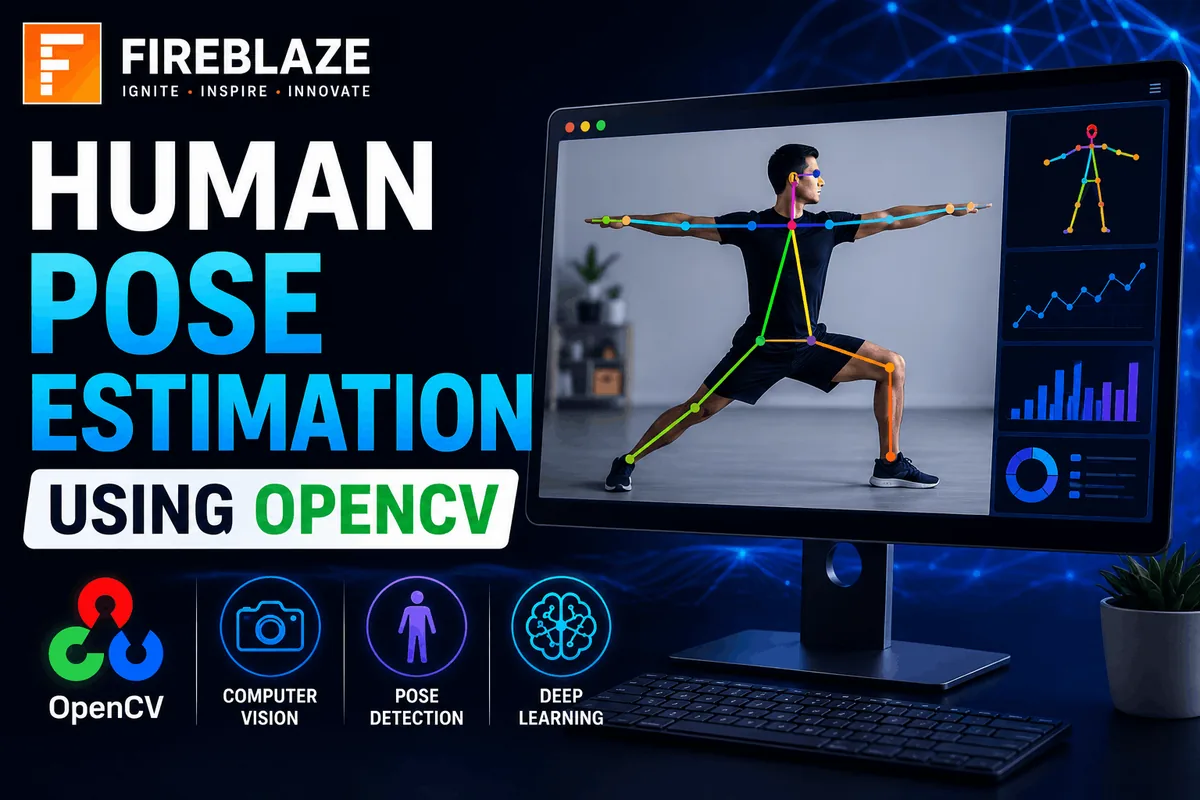
Computer Vision has transformed how machines understand and interpret visual information. One of the most exciting applications of Computer Vision and Artificial Intelligence is:
Human Pose Estimation\nHuman Pose Estimation enables computers to identify the position and orientation of various human body parts from images and videos.
Using OpenCV and Deep Learning models, we can detect:
Head
Neck
Shoulders
Elbows
Wrists
Hips
Knees
Ankles
These body points are then connected to create a digital skeleton representing the human posture.
In this guide, you'll learn:
What Human Pose Estimation is
How OpenCV is used
Keypoint detection
Skeleton generation
Deep Learning models
Python implementation
Applications and real-world use cases
What is Human Pose Estimation?
Human Pose Estimation is a Computer Vision technique used to detect and track human body positions from images and videos.
The goal is to identify key body joints and estimate their coordinates.
Example body keypoints include:
Head\nNeck\nLeft Shoulder\nRight Shoulder\nLeft Elbow\nRight Elbow\nLeft Wrist\nRight Wrist\nLeft Hip\nRight Hip\nLeft Knee\nRight Knee\nLeft Ankle\nRight Ankle\nThese points collectively describe the posture of a person.
Why is Human Pose Estimation Important?
Human Pose Estimation helps machines understand:
Human movement
Activities
Gestures
Actions
Physical behavior
Applications include:
Fitness tracking
Sports analytics
Healthcare monitoring
Surveillance systems
Gesture control
Robotics
What is OpenCV?
OpenCV (Open Source Computer Vision Library) is one of the most popular Computer Vision libraries.
It provides tools for:
Image Processing
Object Detection
Face Recognition
Motion Tracking
Human Pose Estimation
OpenCV supports multiple programming languages including:
Python
C++
Java
How Human Pose Estimation Works
The process typically involves:
Image Input
Human Detection
Keypoint Detection
Skeleton Generation
Activity Analysis
Step 1: Input Image or Video
The system receives:
Image
Video
Webcam Feed
Example:
import cv2\n\nimage = cv2.imread("person.jpg")\nStep 2: Body Keypoint Detection
Deep Learning models identify important body joints.
Example:
Head → (x1,y1)\nShoulder → (x2,y2)\nElbow → (x3,y3)\nEach keypoint is assigned coordinates.
Step 3: Skeleton Construction
Detected keypoints are connected.
Example:
Head\n |\nNeck\n |\nShoulder\n |\nElbow\n |\nWrist\nThis creates a skeletal representation of the human body.
Key Concepts in Human Pose Estimation
Keypoints
Keypoints represent body joints.
Examples:
Eyes
Nose
Shoulders
Knees
Ankles
Skeleton
A skeleton is formed by connecting body keypoints.
It represents human posture visually.
Confidence Score
Each detected keypoint receives a confidence score.
Higher confidence means:
More Accurate Detection\nTypes of Human Pose Estimation
2D Pose Estimation
Detects body joints on a two-dimensional image.
Output:
(X,Y)\nCoordinates\nApplications:
Fitness Apps
Video Analysis
Gesture Recognition
3D Pose Estimation
Detects body joints in three-dimensional space.
Output:
(X,Y,Z)\nCoordinates\nApplications:
Robotics
Virtual Reality
Motion Capture
Deep Learning Models Used
Modern pose estimation uses Deep Learning.
Popular models include:
OpenPose
PoseNet
MediaPipe Pose
HRNet
MoveNet
What is OpenPose?
OpenPose is a popular real-time human pose estimation framework.
Features:
Multi-person detection
Body keypoint tracking
Hand tracking
Facial landmark detection
Applications:
Sports Analytics
Healthcare
Augmented Reality
Installing OpenCV
Install OpenCV using pip:
pip install opencv-python\nReading an Image in OpenCV
import cv2\n\nimage = cv2.imread("person.jpg")\n\ncv2.imshow("Image", image)\n\ncv2.waitKey(0)\nLoading a Pose Estimation Model
Example:
net = cv2.dnn.readNetFromTensorflow(\n"graph.pb"\n)\nThis loads a pre-trained Deep Learning model.
Detecting Keypoints
The model predicts body joints.
Example output:
Nose → (120,80)\n\nShoulder → (150,120)\n\nElbow → (180,180)\nDrawing Keypoints
OpenCV can visualize keypoints.
Example:
cv2.circle(\nimage,\n(x,y),\n5,\n(0,255,0),\n-1\n)\nThis draws a green point.
Drawing Skeleton Connections
Example:
cv2.line(\nimage,\npointA,\npointB,\n(255,0,0),\n2\n)\nThis connects body joints.
Human Pose Estimation Using Webcam
Real-time detection:
cap = cv2.VideoCapture(0)\n\nwhile True:\n ret, frame = cap.read()\nThis captures webcam frames continuously.
Real-World Applications
Fitness Tracking
Applications:
Exercise Monitoring
Yoga Pose Detection
Workout Analysis
Popular fitness apps use pose estimation to track body movements.
Sports Analytics
Used for:
Athlete Performance Analysis
Motion Tracking
Injury Prevention
Examples:
Cricket
Football
Tennis
Basketball
Healthcare
Applications:
Patient Monitoring
Rehabilitation Tracking
Elderly Care
Pose estimation helps analyze body posture and movement disorders.
Gesture Recognition
Used in:
Smart Devices
Human-Computer Interaction
Touchless Systems
Robotics
Robots use pose estimation to understand human movements and interactions.
Augmented Reality
Applications:
Virtual Try-On Systems
AR Gaming
Interactive Experiences
Advantages of Human Pose Estimation
Real-Time Analysis
Supports live video processing.
Non-Invasive
No physical sensors required.
Highly Scalable
Can analyze multiple people simultaneously.
Wide Range of Applications
Useful across:
Healthcare
Sports
Security
Retail
Education
Limitations of Human Pose Estimation
Occlusion Problems
Body parts hidden behind objects may not be detected accurately.
Lighting Sensitivity
Poor lighting affects performance.
Computational Cost
Advanced models require powerful hardware.
Complex Backgrounds
Crowded scenes may reduce detection accuracy.
Human Pose Estimation vs Object Detection
| Human Pose Estimation | Object Detection |
|---|---|
| Detects body joints | Detects objects |
| Tracks posture | Tracks object location |
| Generates skeletons | Generates bounding boxes |
Common Interview Questions
What is Human Pose Estimation?
Human Pose Estimation detects and tracks human body keypoints from images or videos.
What are Keypoints?
Keypoints are important body joints such as shoulders, elbows, wrists, knees, and ankles.
What is OpenPose?
OpenPose is a Deep Learning framework for real-time human pose estimation.
Difference Between 2D and 3D Pose Estimation
| 2D Pose Estimation | 3D Pose Estimation |
|---|---|
| Uses X,Y coordinates | Uses X,Y,Z coordinates |
| Simpler | More accurate |
Why is OpenCV Used?
OpenCV provides tools for image processing, video analysis, and Computer Vision applications.
Common Mistakes Beginners Make
Ignoring image preprocessing
Using low-quality datasets
Incorrect model selection
Not handling occlusion cases
Ignoring confidence thresholds
Best Practices
Use high-quality images.
Apply preprocessing techniques.
Choose optimized Deep Learning models.
Filter low-confidence detections.
Test under different lighting conditions.
Why Human Pose Estimation Matters in AI
Human Pose Estimation bridges the gap between visual perception and human understanding.
It enables machines to:
Understand movements
Interpret activities
Analyze behavior
Support intelligent automation
As AI systems become more advanced, pose estimation is becoming a key technology in healthcare, robotics, sports analytics, surveillance, and smart applications.
Final Thoughts
Human Pose Estimation using OpenCV is one of the most exciting applications of Artificial Intelligence and Computer Vision. By detecting body keypoints and generating skeletal structures, machines can understand human posture, movement, and activities with remarkable accuracy.
Whether you're interested in AI, Data Science, Computer Vision, Healthcare Analytics, Robotics, or Sports Technology, learning Human Pose Estimation will strengthen your practical skills and help you build innovative real-world applications using OpenCV and Deep Learning.
Keep Reading
Related Articles
Learning Guides
Introduction to Computer Vision: A Beginner’s Guide
Discover the basics of Computer Vision, a rapidly growing field of Artificial Intelligence that enables machines to understand images and videos. Expl
All About PyCaret: Conversation with Mr. Moez Ali and Mr. Aniruddha Kalbande | EP-06
Explore PyCaret and its impact on machine learning development through an insightful conversation with PyCaret creator Moez Ali and AI expert Aniruddh
What is Data Mining? Complete Guide for Beginners
Learn what Data Mining is, how it works, key techniques, tools, applications, advantages, challenges, and its role in Data Science, Machine Learning,