 Fireblaze
 Learning Guides
Video Analysis Using OpenCV in Python
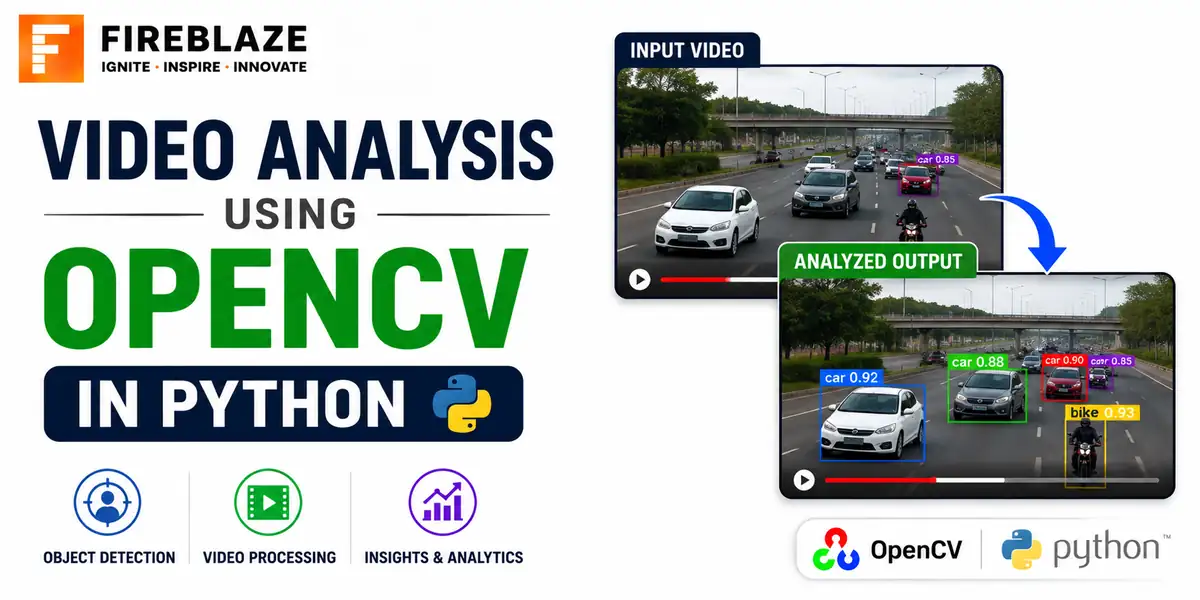
Quick answer: Learn how to read, process and analyse video with OpenCV in Python, including frame extraction, motion detection, and object tracking basics.
Reading a Video File
import cv2

cap = cv2.VideoCapture('video.mp4')

while cap.isOpened():
    ret, frame = cap.read()
    if not ret:
        break

    cv2.imshow('Frame', frame)
    if cv2.waitKey(25) & 0xFF == ord('q'):
        break

cap.release()
cv2.destroyAllWindows()
A video is fundamentally a sequence of individual image frames. cap.read() returns each frame one at a time, along with a boolean indicating whether a frame was successfully read.
Reading from a Webcam
cap = cv2.VideoCapture(0) # 0 is usually the default webcam
Extracting and Saving Individual Frames
frame_count = 0
while cap.isOpened():
    ret, frame = cap.read()
    if not ret:
        break
    cv2.imwrite(f'frame_{frame_count}.jpg', frame)
    frame_count += 1
Simple Motion Detection
import cv2

cap = cv2.VideoCapture('video.mp4')
ret, prev_frame = cap.read()
prev_gray = cv2.cvtColor(prev_frame, cv2.COLOR_BGR2GRAY)

while cap.isOpened():
    ret, frame = cap.read()
    if not ret:
        break

    gray = cv2.cvtColor(frame, cv2.COLOR_BGR2GRAY)
    diff = cv2.absdiff(prev_gray, gray)
    _, thresh = cv2.threshold(diff, 25, 255, cv2.THRESH_BINARY)

    motion_detected = cv2.countNonZero(thresh) > 5000
    prev_gray = gray
This compares each frame to the previous one; a large enough difference between consecutive frames signals motion. Real production systems typically add noise filtering and a background model, but this captures the core idea.
Basic Object Tracking
tracker = cv2.TrackerCSRT_create()

ret, frame = cap.read()
bbox = cv2.selectROI(frame, False)   # manually select the object to track
tracker.init(frame, bbox)

while cap.isOpened():
    ret, frame = cap.read()
    if not ret:
        break
    success, bbox = tracker.update(frame)
    if success:
        x, y, w, h = [int(v) for v in bbox]
        cv2.rectangle(frame, (x, y), (x + w, y + h), (0, 255, 0), 2)
Tracking follows a specific object across frames after it is initially identified, which is generally faster than running full object detection on every single frame.
Practical Applications
Security and surveillance motion alerts
Traffic monitoring and vehicle counting
Sports analytics, tracking players or a ball
Manufacturing quality control on a production line
Common Interview Questions
How is a video fundamentally represented for processing?
As a sequence of individual image frames, read and processed one at a time, with the frame rate determining how many frames represent one second of video.
What is the difference between object detection and object tracking in video?
Detection identifies an object's location independently in every single frame. Tracking follows a specific, already-identified object across frames, which is generally faster since it does not need to search the entire frame from scratch each time.
FAQ
Frequently Asked Questions
How is a video represented for processing in OpenCV?
As a sequence of individual image frames, read and processed one at a time using cap.read(), with the frame rate determining how many frames represent one second.
What is a simple way to detect motion in video using OpenCV?
Compare each frame to the previous one using absolute difference; a large enough difference between consecutive frames signals motion.
What is the difference between object detection and object tracking in video?
Detection identifies an object's location independently in every frame. Tracking follows an already-identified object across frames, which is generally faster since it avoids searching the whole frame each time.
Keep Reading
Related Articles
Learning Guides
INNER JOIN in SQL with Examples: Complete Beginner's Guide
Learn INNER JOIN in SQL with practical examples, syntax, interview questions, and real-world use cases. A complete beginner-friendly SQL JOI
Learning Guides
OUTER JOIN in SQL: Complete Guide with Examples for Beginners
Master OUTER JOIN in SQL with practical examples and real-world scenarios. Learn LEFT JOIN, RIGHT JOIN, FULL OUTER JOIN, syntax, use cases,
Learning Guides
Multi-Row Functions in SQL: Complete Guide with Examples
Learn multi-row (aggregate) functions in SQL including SUM, AVG, COUNT, MIN, MAX, GROUP BY and HAVING, with practical examples, NULL handlin