 Fireblaze
 Learning Guides
Python Pip Installation and Package Management Guide
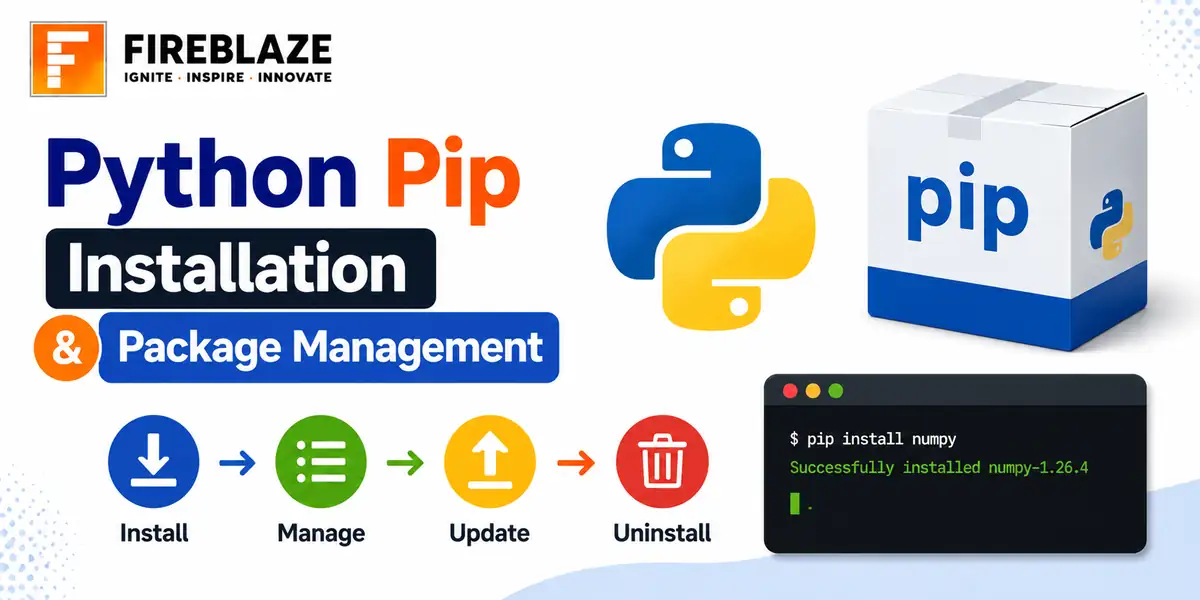
Quick answer: Learn how to install pip, install and uninstall Python packages, manage requirements files, and use virtual environments for clean project dependencies.
What is Pip?
Pip is Python's standard package installer, used to install, upgrade and remove third-party libraries such as Pandas, NumPy or Scikit-Learn from the Python Package Index.
Checking if Pip is Installed
pip --version
Modern Python installations (3.4 and later) include pip by default. If it is missing, it can usually be installed by running python -m ensurepip --upgrade.
Installing a Package
pip install pandas
pip install pandas==2.1.0        # install a specific version
pip install pandas numpy scikit-learn   # install multiple packages at once
Upgrading and Uninstalling
pip install --upgrade pandas
pip uninstall pandas
Checking What's Installed
pip list
pip show pandas
Using a requirements.txt File
A requirements file lists all the packages a project needs, making it easy for someone else, or your future self, to recreate the exact same environment.
# requirements.txt
pandas==2.1.0
numpy==1.26.0
scikit-learn==1.3.0
pip install -r requirements.txt

# Generate one from your current environment
pip freeze > requirements.txt
Why Virtual Environments Matter
A virtual environment is an isolated Python installation for a single project, so different projects can use different, even conflicting, package versions without interfering with each other.
python -m venv myenv

# Activate it
source myenv/bin/activate      # macOS / Linux
myenv\Scripts\activate         # Windows

pip install pandas   # installs only inside this environment

deactivate   # exit the virtual environment
Common Installation Issues
Permission errors: often resolved by using a virtual environment instead of installing system-wide
Version conflicts between packages: a requirements file with pinned versions helps reproduce a known-working set
Installing for the wrong Python version when multiple versions are installed: use python -m pip install instead of a bare pip command to be explicit about which Python is targeted
Common Interview Questions
Why use a virtual environment instead of installing packages globally?
It isolates each project's dependencies, avoiding version conflicts between projects that need different versions of the same package.
What is the purpose of a requirements.txt file?
It records the exact packages and versions a project depends on, so the environment can be reliably recreated elsewhere.
FAQ
Frequently Asked Questions
What is pip used for in Python?
Pip is Python's standard package installer, used to install, upgrade and remove third-party libraries from the Python Package Index.
Why should you use a virtual environment?
It isolates a project's package dependencies from other projects, avoiding version conflicts when different projects need different versions of the same library.
How do you install packages from a requirements.txt file?
Run pip install -r requirements.txt, which installs every package and version listed in the file.
How do you generate a requirements.txt file from your current environment?
Run pip freeze > requirements.txt, which lists every installed package and its exact version.
Keep Reading
Related Articles
Learning Guides
INNER JOIN in SQL with Examples: Complete Beginner's Guide
Learn INNER JOIN in SQL with practical examples, syntax, interview questions, and real-world use cases. A complete beginner-friendly SQL JOI
Learning Guides
OUTER JOIN in SQL: Complete Guide with Examples for Beginners
Master OUTER JOIN in SQL with practical examples and real-world scenarios. Learn LEFT JOIN, RIGHT JOIN, FULL OUTER JOIN, syntax, use cases,
Learning Guides
Multi-Row Functions in SQL: Complete Guide with Examples
Learn multi-row (aggregate) functions in SQL including SUM, AVG, COUNT, MIN, MAX, GROUP BY and HAVING, with practical examples, NULL handlin