 Fireblaze
 Learning Guides
SQL Clauses Explained: SELECT, WHERE, GROUP BY, HAVING, ORDER BY
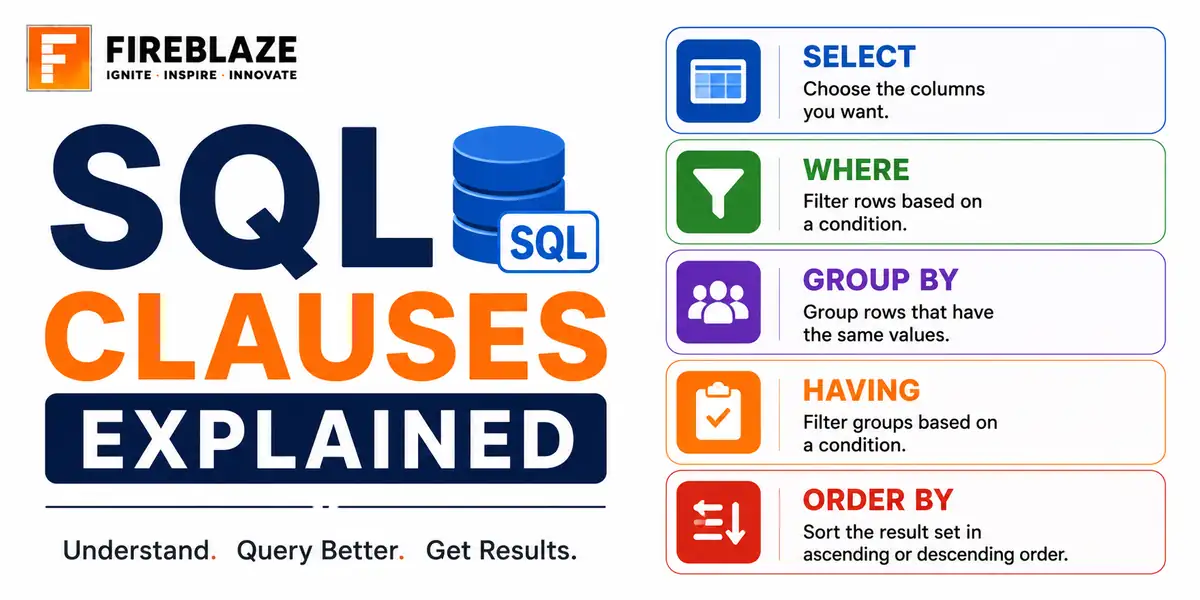
Quick answer: Learn the core SQL clauses including SELECT, FROM, WHERE, GROUP BY, HAVING, ORDER BY and LIMIT, with their correct order and practical examples.
What is a SQL Clause?
A clause is a distinct component of a SQL statement that performs a specific function, such as selecting columns, filtering rows, or sorting results. Most queries combine several clauses together.
SELECT Clause
SELECT name, email, city
FROM customers;
Specifies which columns to return. SELECT * returns every column, useful for exploring a table but generally avoided in production queries for performance and clarity.
WHERE Clause
SELECT name, city
FROM customers
WHERE city = 'Nagpur';
Filters individual rows before any grouping happens. WHERE cannot contain an aggregate function like SUM or COUNT.
GROUP BY Clause
SELECT city, COUNT(*) AS customer_count
FROM customers
GROUP BY city;
Collapses rows into groups so an aggregate function can be applied per group instead of across the whole table.
HAVING Clause
SELECT city, COUNT(*) AS customer_count
FROM customers
GROUP BY city
HAVING COUNT(*) > 100;
Filters groups after aggregation, the equivalent of WHERE but for grouped results. This is the one clause where aggregate functions are allowed in the filter condition.
ORDER BY Clause
SELECT name, revenue
FROM customers
ORDER BY revenue DESC;
Sorts the final result set. DESC sorts descending, ASC (the default) sorts ascending.
LIMIT Clause
SELECT name, revenue
FROM customers
ORDER BY revenue DESC
LIMIT 10;
Restricts the number of rows returned, commonly combined with ORDER BY to get a top-N result. Note that SQL Server uses TOP instead of LIMIT, with slightly different syntax.
The Correct Order to Write Clauses
SELECT column_list
FROM table
WHERE row_condition
GROUP BY column_list
HAVING group_condition
ORDER BY column_list
LIMIT number;
Written Order vs Actual Execution Order
SQL is written in the order above, but the database engine actually executes it in a different order: FROM, then WHERE, then GROUP BY, then HAVING, then SELECT, then ORDER BY, then LIMIT. This is exactly why a column alias defined in SELECT usually cannot be referenced in WHERE, since WHERE runs before SELECT does.
A Complete Example
SELECT region,
       COUNT(*) AS total_orders,
       SUM(amount) AS total_revenue
FROM orders
WHERE order_date >= '2026-01-01'
GROUP BY region
HAVING SUM(amount) > 50000
ORDER BY total_revenue DESC
LIMIT 5;
Common Interview Questions
What is the difference between WHERE and HAVING?
WHERE filters individual rows before grouping and cannot use aggregate functions. HAVING filters groups after aggregation and is designed specifically to work with aggregate functions.
Why can't you use a column alias from SELECT in a WHERE clause?
Because SQL executes WHERE before SELECT, so the alias does not exist yet at the point WHERE is evaluated.
FAQ
Frequently Asked Questions
What is the correct order to write SQL clauses?
SELECT, FROM, WHERE, GROUP BY, HAVING, ORDER BY, then LIMIT, in that written order.
What is the difference between WHERE and HAVING?
WHERE filters individual rows before grouping and cannot contain aggregate functions. HAVING filters groups after aggregation and is designed to work with aggregate functions like SUM or COUNT.
Does SQL execute clauses in the same order they are written?
No. The actual execution order is FROM, WHERE, GROUP BY, HAVING, SELECT, ORDER BY, then LIMIT, which is why a SELECT alias usually cannot be used in WHERE.
What does the LIMIT clause do?
It restricts how many rows the query returns, commonly combined with ORDER BY to retrieve a top-N result such as the 10 highest-revenue customers.
Keep Reading
Related Articles
Learning Guides
INNER JOIN in SQL with Examples: Complete Beginner's Guide
Learn INNER JOIN in SQL with practical examples, syntax, interview questions, and real-world use cases. A complete beginner-friendly SQL JOI
Learning Guides
OUTER JOIN in SQL: Complete Guide with Examples for Beginners
Master OUTER JOIN in SQL with practical examples and real-world scenarios. Learn LEFT JOIN, RIGHT JOIN, FULL OUTER JOIN, syntax, use cases,
Learning Guides
Multi-Row Functions in SQL: Complete Guide with Examples
Learn multi-row (aggregate) functions in SQL including SUM, AVG, COUNT, MIN, MAX, GROUP BY and HAVING, with practical examples, NULL handlin