Send Emails Using Python Script: A Complete Beginner's Guide
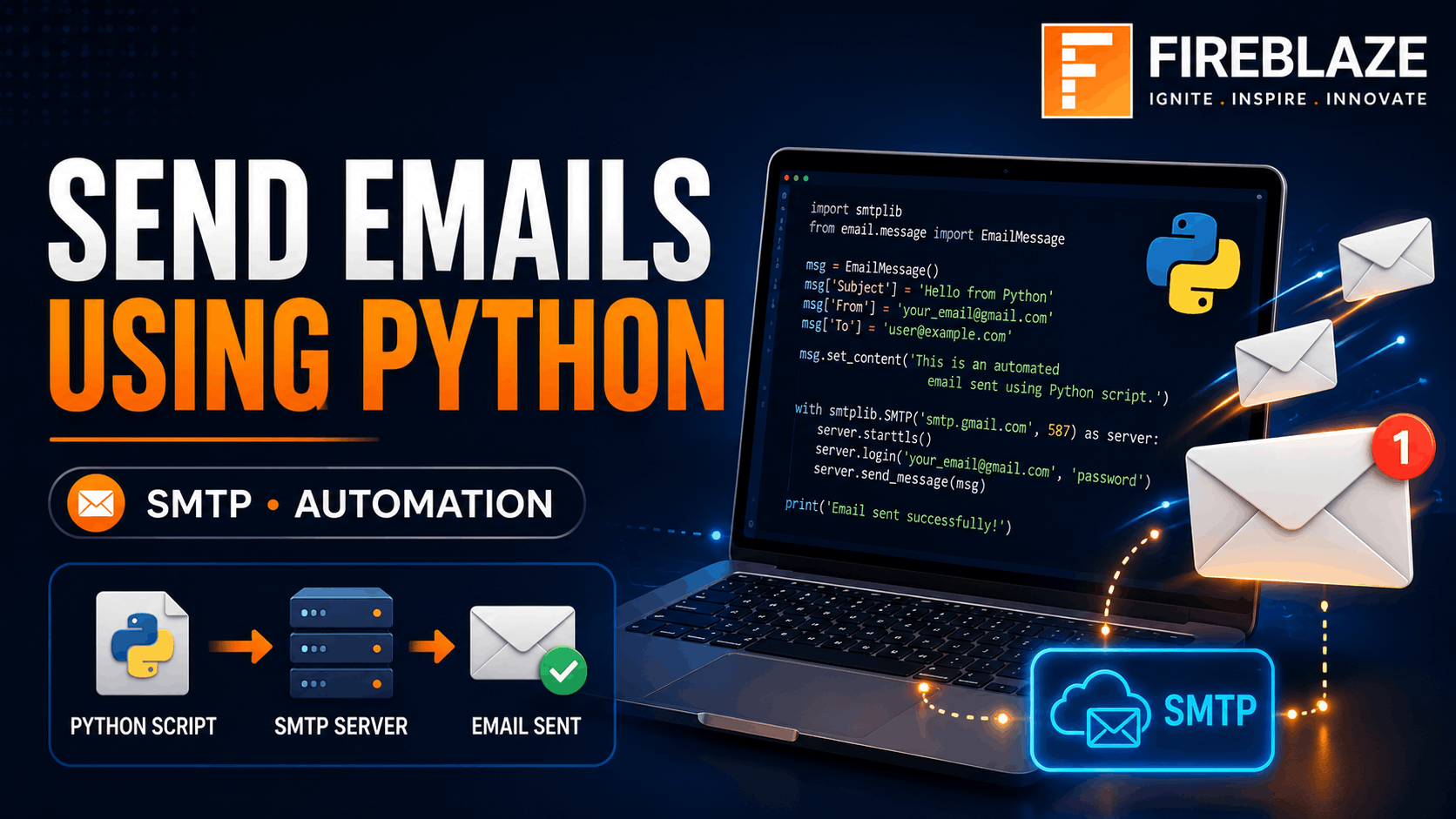
Send Emails Using Python Script: A Complete Beginner's Guide
Email automation is one of the most useful applications of Python programming. From sending notifications and reports to marketing emails and system alerts, Python allows developers to automate email communication efficiently.
Whether you're a beginner learning Python or a professional building automated systems, understanding how to send emails using Python is an essential skill.
In this guide, you'll learn:
What email automation is
How Python sends emails
SMTP basics
Sending emails with Gmail
Sending attachments
Real-world applications
Best practices and interview questions
What is Email Automation?
Email automation is the process of sending emails automatically through software without manual intervention.
Common use cases include:
Welcome Emails
Password Reset Emails
OTP Verification
Daily Reports
Marketing Campaigns
System Notifications
Customer Alerts
Python makes email automation simple using built-in libraries.
Why Use Python for Sending Emails?
Python is widely used because it offers:
Simple Syntax
Built-in Email Libraries
SMTP Support
Automation Capabilities
Integration with Databases and Applications
Organizations use Python-based email automation for business processes and communication systems.
What is SMTP?
SMTP stands for Simple Mail Transfer Protocol.
It is the standard protocol used for sending emails across the internet.
When Python sends an email:
Python connects to an SMTP server.
The server authenticates the sender.
The email is transmitted to the recipient's mail server.
The recipient receives the message.
Popular SMTP providers include:
Gmail SMTP
Outlook SMTP
Yahoo SMTP
Zoho SMTP
Python Library for Sending Emails
Python provides a built-in module called:
smtplib
This library allows Python programs to communicate with SMTP servers.
Sending a Simple Email Using Python
Step 1: Import Required Library
import smtplib
Step 2: Create SMTP Connection
server = smtplib.SMTP(
    "smtp.gmail.com",
    587
)
Step 3: Start Secure Connection
server.starttls()
TLS encrypts communication between the client and server.
Step 4: Login to Gmail
server.login(
    "your_email@gmail.com",
    "your_password"
)
Step 5: Send Email
server.sendmail(
    "your_email@gmail.com",
    "receiver@gmail.com",
    "Hello from Python!"
)
Step 6: Close Connection
server.quit()
Complete Python Example
import smtplib

sender = "your_email@gmail.com"
receiver = "receiver@gmail.com"

message = """
Subject: Test Email

Hello,
This email was sent using Python.
"""

server = smtplib.SMTP(
    "smtp.gmail.com",
    587
)

server.starttls()

server.login(
    sender,
    "your_password"
)

server.sendmail(
    sender,
    receiver,
    message
)

server.quit()

print("Email Sent Successfully")
Sending Emails Using Gmail App Password
Google no longer recommends using your Gmail password directly.
Instead:
Enable Two-Factor Authentication.
Generate an App Password.
Use the App Password in Python.
Example:
server.login(
    sender,
    "gmail_app_password"
)
This approach is more secure.
Sending HTML Emails
HTML emails allow professional formatting.
Example:
html = """
<h1>Welcome!</h1>
<p>This email was sent using Python.</p>
"""
HTML emails support:
Images
Colors
Links
Buttons
Styling
Widely used in marketing campaigns.
Sending Email Attachments
Python can also send files.
Examples:
PDF Reports
Images
Excel Files
Documents
Import required modules:
from email.mime.multipart import MIMEMultipart
from email.mime.base import MIMEBase
Attachments are commonly used for automated reporting systems.
Sending Emails to Multiple Recipients
Example:
recipients = [
    "user1@gmail.com",
    "user2@gmail.com",
    "user3@gmail.com"
]
Send using:
server.sendmail(
    sender,
    recipients,
    message
)
Useful for newsletters and announcements.
Automating Daily Reports
Organizations often automate daily reports.
Example workflow:
Generate report.
Export to Excel or PDF.
Attach file.
Send email automatically.
Applications include:
Sales Reports
Financial Reports
Operational Dashboards
Email Scheduling Using Python
You can schedule emails using:
schedule
pip install schedule
Example:
import schedule
This enables:
Daily Emails
Weekly Reports
Monthly Notifications
without manual effort.
Real-World Applications
Business Reporting
Automated reports sent to managers and stakeholders.
Marketing Campaigns
Companies send promotional emails automatically.
OTP Verification
Web applications send verification codes via email.
Customer Support
Support systems send:
Ticket Confirmations
Status Updates
Resolution Notifications
Monitoring Systems
Servers send alerts when issues occur.
Examples:
Server Downtime
Security Alerts
Database Failures
Common Email Errors
Authentication Error
Occurs when login credentials are incorrect.
Solution:
Verify email address
Use App Password
SMTP Connection Error
Occurs when SMTP settings are incorrect.
Check:
smtp.gmail.com
Port 587
Spam Filtering
Emails may land in spam folders.
Best practices:
Use verified domains
Avoid spammy content
Configure SPF and DKIM records
Best Practices for Email Automation
Use App Passwords
Never hardcode your primary password.
Protect Credentials
Store secrets securely using:
Environment Variables
Secret Managers
Handle Exceptions
Example:
try:
    # send email
except Exception as e:
    print(e)
Avoid Spam Behavior
Do not send excessive emails in short periods.
Log Email Activity
Maintain logs for monitoring and troubleshooting.
Interview Questions on Sending Emails Using Python
What is SMTP?
SMTP (Simple Mail Transfer Protocol) is the standard protocol used for sending emails.
Which Python Library is Used?
The most common library is:
smtplib
Why Use starttls()?
It encrypts communication between the email client and server.
What is an App Password?
An App Password is a secure authentication method provided by Gmail for third-party applications.
Can Python Send Attachments?
Yes. Python can send:
PDFs
Images
Excel Files
Documents
using email modules.
Why Learn Email Automation in 2026?
Email remains one of the most widely used communication channels in business and technology.
Email automation skills are valuable in:
Software Development
Data Analytics
DevOps
Digital Marketing
Business Automation
Understanding Python email automation helps developers build scalable notification and communication systems.
Final Thoughts
Sending emails using Python is a practical skill that combines programming, automation, and communication. With Python's SMTP libraries, developers can build systems that send notifications, reports, marketing campaigns, alerts, and customer communications automatically.
Whether you're building web applications, automating business workflows, or learning Python for real-world projects, mastering email automation can significantly enhance your development capabilities.