Grammar Checking Using NLTK: A Complete NLP Guide for Beginners
Grammar Checking Using NLTK: A Complete NLP Guide for Beginners
Grammar checking is one of the most useful applications of Natural Language Processing (NLP). From email assistants and chatbots to writing tools and AI-powered content platforms, grammar correction systems help users write more accurately and professionally.
Python provides several NLP libraries for text processing, and one of the most popular libraries is NLTK (Natural Language Toolkit).
In this guide, you'll learn:
- What grammar checking is
- What NLTK is
- How NLTK helps in grammar analysis
- Tokenization and POS Tagging
- Spell Checking
- Grammar Correction Workflow
- Python Examples
- Real-world Applications
- Interview Questions
What is Grammar Checking?
Grammar checking is the process of identifying and correcting:
- Grammatical Errors
- Spelling Mistakes
- Incorrect Sentence Structure
- Punctuation Errors
- Word Usage Errors
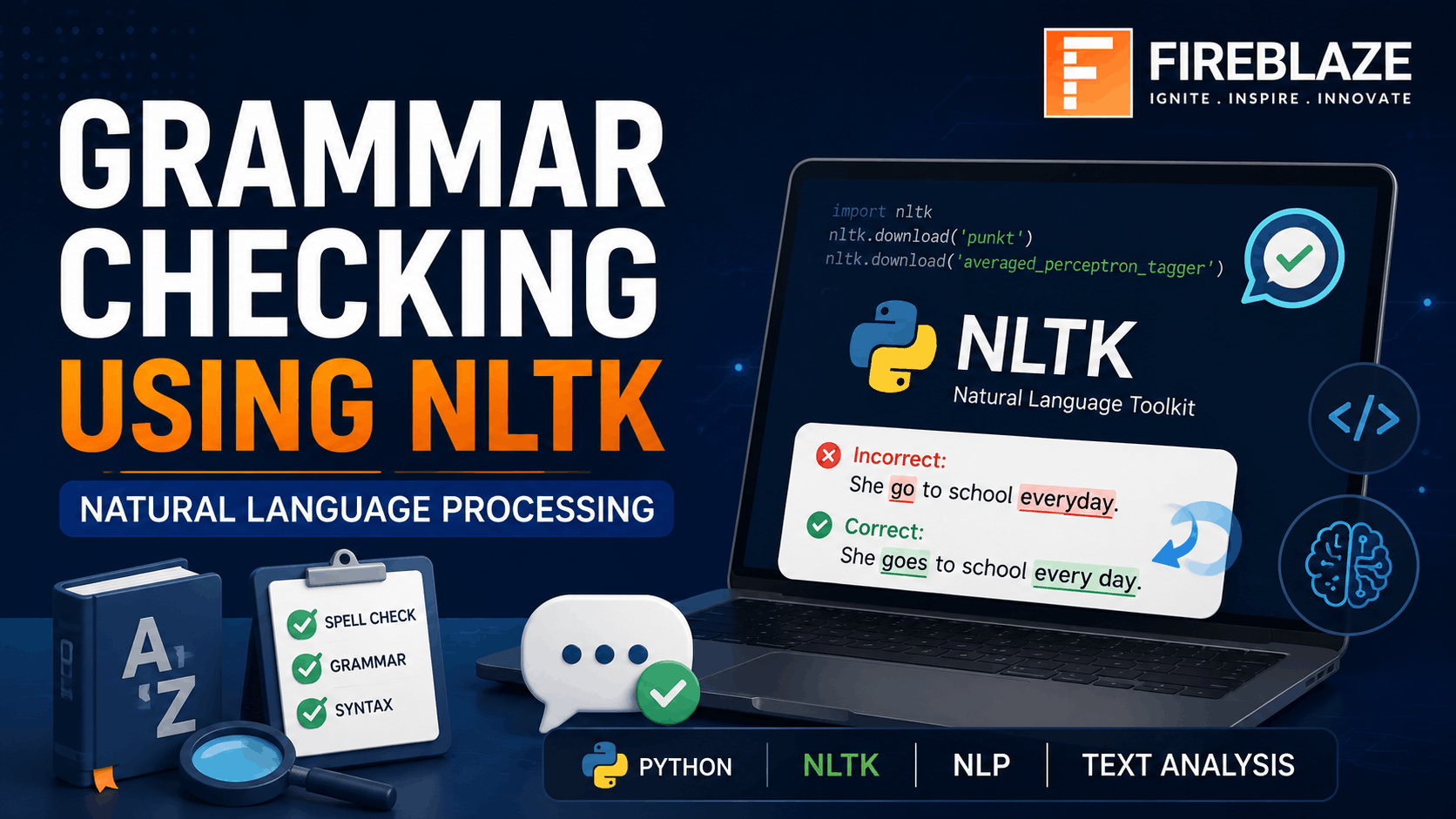
Example:
Incorrect
She go to school everyday.
Correct
She goes to school every day.
Grammar checking systems use NLP techniques to detect such errors automatically.
What is NLTK?
NLTK (Natural Language Toolkit) is one of the most widely used Python libraries for Natural Language Processing.
It provides tools for:
- Text Processing
- Tokenization
- Part-of-Speech Tagging
- Parsing
- Stemming
- Lemmatization
- Named Entity Recognition
NLTK serves as a foundation for many NLP applications.
Why Use NLTK for Grammar Checking?
NLTK helps analyze language structure through:
- Word Tokenization
- Sentence Tokenization
- POS Tagging
- Syntax Analysis
- Language Modeling
Although NLTK is not a complete grammar correction engine by itself, it provides the building blocks required for grammar analysis.
Installing NLTK
Install NLTK using pip:
pip install nltk
Import the library:
import nltk
Download required datasets:
nltk.download('punkt')
nltk.download('averaged_perceptron_tagger')
Step 1: Tokenization
Tokenization breaks text into smaller units called tokens.
Example:
from nltk.tokenize import word_tokenize

text = "Grammar checking using NLTK."

tokens = word_tokenize(text)

print(tokens)
Output:
['Grammar', 'checking', 'using', 'NLTK', '.']
Tokenization is the first step in most NLP pipelines.
Step 2: Sentence Tokenization
Split text into sentences.
from nltk.tokenize import sent_tokenize

text = """
Python is popular.
NLTK is useful.
"""

sentences = sent_tokenize(text)

print(sentences)
Output:
['Python is popular.', 'NLTK is useful.']
Step 3: Part-of-Speech (POS) Tagging
POS tagging identifies grammatical roles of words.
Example:
from nltk import pos_tag
from nltk.tokenize import word_tokenize

sentence = "She is reading a book"

tokens = word_tokenize(sentence)

print(pos_tag(tokens))
Output:
[
('She', 'PRP'),
('is', 'VBZ'),
('reading', 'VBG'),
('a', 'DT'),
('book', 'NN')
]
Why POS Tagging is Important
Grammar checking often depends on understanding:
- Nouns
- Verbs
- Adjectives
- Adverbs
- Pronouns
Example:
She go to school.
The grammar checker recognizes that "She" requires "goes" instead of "go".
POS tagging helps identify such issues.
Step 4: Detecting Common Grammar Errors
Example rule:
if subject == "She" and verb == "go":
    print("Use goes")
Output:
Use goes
Real grammar checkers use much more advanced linguistic rules.
Spell Checking with Python
Grammar checking systems often include spelling correction.
Install TextBlob:
pip install textblob
Example:
from textblob import TextBlob

text = TextBlob("I hav a pen")

print(text.correct())
Output:
I have a pen
Combining spell checking and grammar analysis improves overall text quality.
Grammar Checking Workflow
A typical grammar-checking system follows these steps:
Step 1
Input text.
Step 2
Tokenization.
Step 3
POS tagging.
Step 4
Grammar rule analysis.
Step 5
Spell correction.
Step 6
Generate suggestions.
Step 7
Return corrected text.
Using NLTK with LanguageTool
For more advanced grammar checking:
Install:
pip install language-tool-python
Example:
import language_tool_python

tool = language_tool_python.LanguageTool(
'en-US'
)

text = "She go to school everyday"

matches = tool.check(text)

print(matches)
LanguageTool provides professional-level grammar suggestions.
Common Grammar Errors NLP Can Detect
Subject-Verb Agreement
Incorrect:
She go to school.
Correct:
She goes to school.
Incorrect Tense
Incorrect:
Yesterday I go to market.
Correct:
Yesterday I went to market.
Missing Articles
Incorrect:
I bought car.
Correct:
I bought a car.
Spelling Errors
Incorrect:
Recieve
Correct:
Receive
Real-World Applications
Writing Assistants
Examples:
- Grammarly
- AI Writing Tools
- Email Assistants
Chatbots
Grammar correction improves chatbot communication quality.
Educational Platforms
Helps students improve writing skills.
Resume Builders
Checks grammar in resumes and cover letters.
Content Creation Platforms
Improves article and blog quality.
Interview Questions on Grammar Checking Using NLTK
What is NLTK?
NLTK is a Python library for Natural Language Processing tasks such as tokenization, POS tagging, parsing, and text analysis.
What is Tokenization?
Tokenization splits text into words or sentences.
What is POS Tagging?
POS tagging identifies grammatical roles of words within a sentence.
Can NLTK Correct Grammar Directly?
Not entirely.
NLTK provides linguistic analysis tools that help build grammar-checking systems.
Which Libraries Are Commonly Used with NLTK?
Popular libraries include:
- TextBlob
- LanguageTool
- SpaCy
- Gensim
Why Learn NLP in 2026?
Natural Language Processing powers modern AI applications such as:
- ChatGPT
- Virtual Assistants
- Search Engines
- Chatbots
- Translation Systems
- Content Generation Tools
Understanding grammar checking systems helps learners build strong foundations in NLP, Machine Learning, and Artificial Intelligence.
Final Thoughts
Grammar Checking Using NLTK demonstrates how Natural Language Processing can be applied to improve written communication. Through tokenization, POS tagging, syntax analysis, and spell correction, NLTK provides the essential tools required to build intelligent language-processing systems.
Whether you're interested in AI, Machine Learning, chatbots, writing assistants, or language technologies, learning NLTK-based grammar checking is an excellent step toward mastering Natural Language Processing.