Built-in Functions in Python: Complete Guide with Examples
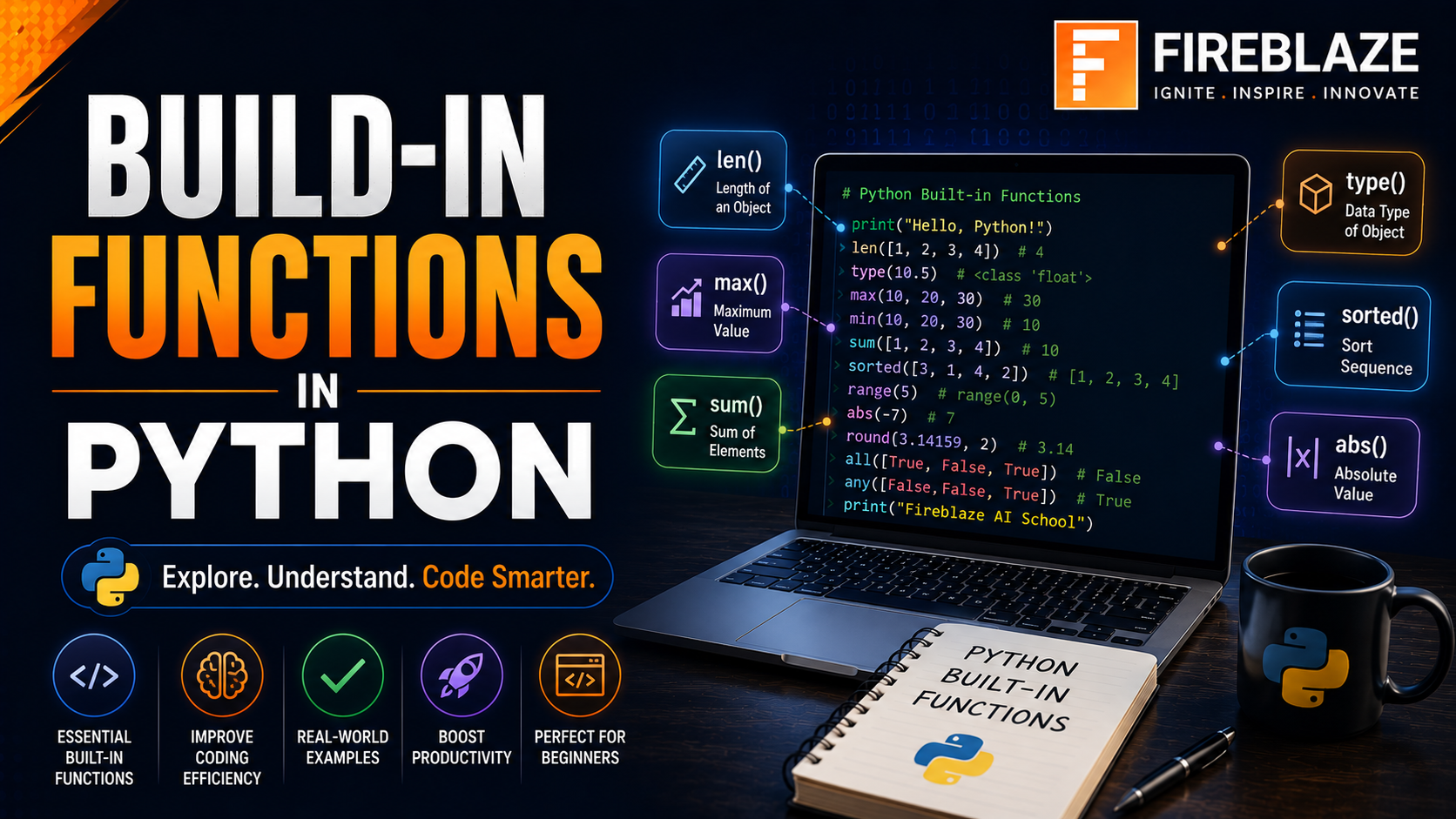
Built-in Functions in Python: Complete Guide with Examples
Python is one of the most beginner-friendly and powerful programming languages in the world. One of the reasons behind its popularity is the availability of numerous built-in functions that simplify common programming tasks.
These functions are available by default and do not require importing any additional libraries.
Whether you're working with numbers, strings, lists, files, or user input, Python's built-in functions help you write cleaner and more efficient code.
In this guide, you'll learn:
What built-in functions are
Why they are important
Commonly used built-in functions
Syntax and examples
Real-world applications
Interview questions
What are Built-in Functions in Python?
Built-in functions are predefined functions that come with Python.
They can be used directly without importing any modules.
Example:
print("Hello World")
Here:
print()
is a built-in function.
Why Are Built-in Functions Important?
Built-in functions help developers:
Reduce code complexity
Improve productivity
Increase readability
Avoid writing repetitive code
Perform common operations quickly
Without built-in functions, many programming tasks would require significantly more code.
Input and Output Functions
print()
The print() function displays output on the screen.
Example:
print("Welcome to Python")
Output:
Welcome to Python
input()
The input() function accepts user input.
Example:
name = input("Enter your name: ")

print(name)
Output:
Enter your name: Tejesh
Tejesh
Type Conversion Functions
Python allows easy conversion between data types.
int()
Converts values into integers.
Example:
age = int("25")

print(age)
Output:
25
float()
Converts values into floating-point numbers.
Example:
price = float("99.99")

print(price)
Output:
99.99
str()
Converts values into strings.
Example:
num = str(100)

print(num)
Output:
100
bool()
Converts values into Boolean values.
Example:
print(bool(1))
print(bool(0))
Output:
True
False
Type Checking Functions
type()
Returns the data type of an object.
Example:
x = 10

print(type(x))
Output:
<class 'int'>
isinstance()
Checks whether an object belongs to a specific type.
Example:
x = 10

print(
isinstance(x, int)
)
Output:
True
Mathematical Functions
abs()
Returns the absolute value.
Example:
print(abs(-25))
Output:
25
round()
Rounds a number to the nearest value.
Example:
print(round(5.67))
Output:
6
pow()
Calculates power values.
Example:
print(pow(2, 3))
Output:
8
sum()
Returns the total of all elements.
Example:
numbers = [10, 20, 30]

print(sum(numbers))
Output:
60
max()
Returns the largest value.
Example:
numbers = [10, 50, 20]

print(max(numbers))
Output:
50
min()
Returns the smallest value.
Example:
numbers = [10, 50, 20]

print(min(numbers))
Output:
10
Sequence Functions
len()
Returns the length of an object.
Example:
name = "Python"

print(len(name))
Output:
6
range()
Generates a sequence of numbers.
Example:
for i in range(5):
    print(i)
Output:
0
1
2
3
4
sorted()
Sorts elements in ascending order.
Example:
numbers = [4, 2, 8, 1]

print(
sorted(numbers)
)
Output:
[1, 2, 4, 8]
reversed()
Returns elements in reverse order.
Example:
numbers = [1, 2, 3]

print(
list(
reversed(numbers)
)
)
Output:
[3, 2, 1]
Iteration Functions
enumerate()
Adds indexes while iterating.
Example:
fruits = [
"Apple",
"Banana"
]

for index, value in enumerate(fruits):
    print(index, value)
Output:
0 Apple
1 Banana
zip()
Combines multiple iterables.
Example:
names = ["John", "Emma"]

scores = [90, 95]

print(
list(
zip(names, scores)
)
)
Output:
[
('John', 90),
('Emma', 95)
]
Logical Functions
all()
Returns True if all elements are True.
Example:
values = [True, True]

print(all(values))
Output:
True
any()
Returns True if at least one element is True.
Example:
values = [False, True]

print(any(values))
Output:
True
Character Functions
chr()
Returns character from Unicode value.
Example:
print(chr(65))
Output:
A
ord()
Returns Unicode value of a character.
Example:
print(ord("A"))
Output:
65
File Functions
open()
Used for file handling.
Example:
file = open(
"data.txt",
"r"
)
Applications:
Reading files
Writing files
Log processing
Real-World Applications of Built-in Functions
Built-in functions are widely used in:
Data Science
Examples:
Data Cleaning
Data Analysis
Feature Engineering
Functions:
len()
sum()
max()
min()
Web Development
Examples:
Form Validation
User Input Handling
Functions:
input()
type()
Automation
Examples:
File Processing
Report Generation
Functions:
open()
range()
Common Python Built-in Function Interview Questions
What are Built-in Functions?
Predefined functions available by default in Python.
What is the Difference Between len() and count()?
len()returns total elements.count()returns occurrences of a value.
What is the Purpose of range()?
Used to generate sequences of numbers.
Difference Between all() and any()?
| all() | any() |
|---|---|
| All values must be True | At least one value must be True |
What Does type() Return?
Returns the data type of an object.
Most Frequently Used Built-in Functions
Some of the most commonly used functions include:
print()
input()
len()
range()
type()
int()
float()
str()
sum()
max()
min()
sorted()
zip()
enumerate()
open()
Every Python developer uses these functions regularly.
Advantages of Built-in Functions
Benefits include:
Faster development
Cleaner code
Improved readability
Better performance
Reduced complexity
Best Practices
Use Built-in Functions Whenever Possible
They are optimized and reliable.
Avoid Reinventing Existing Functionality
Do not write custom code for operations already handled by built-in functions.
Learn Common Functions Thoroughly
Mastering built-in functions improves coding efficiency.
Final Thoughts
Built-in functions are one of Python's greatest strengths. They provide simple and efficient solutions for common programming tasks such as input handling, mathematical calculations, data processing, iteration, file management, and type conversion.
Whether you're a beginner learning Python or an experienced developer building production applications, understanding Python's built-in functions will significantly improve your productivity and code quality. Mastering these functions is an essential step toward becoming a confident Python programmer and Data Science professional.